

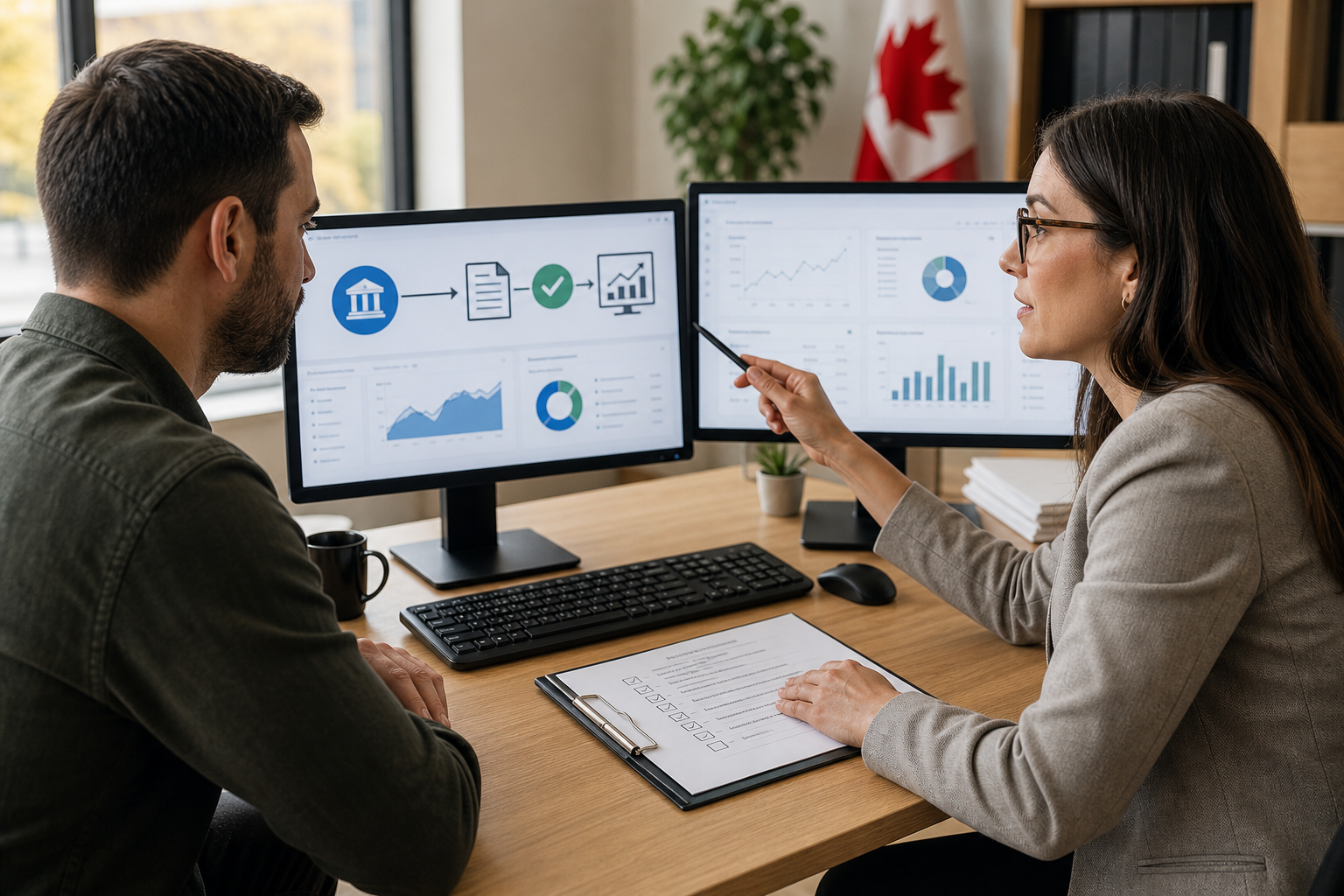
Accounting software integration is the controlled transfer of financial information between your accounting system and connected tools, such as banking, invoicing, payment, expense, payroll, or sales platforms. It can reduce repeated data entry and make information easier to access, but a connection alone does not create accurate books. The data still needs appropriate mapping, categorization, reconciliation, security controls, and review.
For Canadian freelancers, entrepreneurs, and businesses, the useful question is not simply whether two tools can connect. It is whether the connection will produce dependable records that support bookkeeping, payroll, financial reporting, tax preparation, and CRA compliance.
How accounting software integration works
An integrated workflow usually has three parts. First, a source system contains information such as transactions, invoices, expenses, sales, or payroll records. Second, a connection transfers selected information to the accounting software. Third, the accounting system applies rules, categories, or mappings so the information can be recorded and included in reports.
A bank connection may transfer transaction details into the accounting platform. An invoicing tool may send issued invoices and payment information. A payroll system may provide payroll amounts and deductions for recording in the books. The exact data flow depends on the software, connection method, permissions, and configuration.
Integration is not necessarily a permanent pipeline that can be ignored. Connections can fail, fields can be mapped incorrectly, transactions can be duplicated, and different systems may record activity at different times. This accounting software integration and cloud tools resource provides additional context on how connected tools can work together.
Where integrated accounting workflows are commonly used

Banking and credit cards
Bank feeds can bring transaction information into accounting software, reducing manual entry. Imported transactions still need to be matched to invoices, receipts, transfers, loan activity, or other source documents. A feed may show that money moved, but not always why.
Invoicing and payment processing
Connecting invoicing or payment tools may help link sales, customer payments, processing fees, and outstanding receivables. Review is still needed for invoice matching, fees, refunds, taxes, and timing differences.
Expense and receipt tools
Expense systems can collect receipts and send expense information to accounting software. Records still need review for business purpose, duplicate submissions, correct categories, applicable taxes, and supporting documentation.
Payroll systems
Payroll connections may transfer payroll totals or journal information into the books. Wages, deductions, employer amounts, remittances, and year-end reporting must still agree with the underlying payroll records. Businesses can review Verma Accounting’s payroll services for support with payroll processing and reporting.
Sales or inventory systems
A sales or inventory system may provide information needed for revenue, cost, tax, or inventory reporting. These connections require careful mapping because summary entries may not provide enough detail for every reporting or reconciliation requirement.
These are general workflow examples, not a list of specific connections offered by Verma Accounting. Confirm whether your particular platforms and configuration can be connected and maintained as intended.
Integration is not the same as cloud accounting
Cloud-based accounting means that records and tools are hosted online and accessed through the internet. Integration means that two or more systems exchange selected information. They are related, but they are not the same.
A business can use cloud accounting without connecting it to another system. Conversely, a connection may exist without creating a well-organized accounting process. When combined thoughtfully, cloud access and integration can support remote collaboration between an owner and accounting professional.
Verma Accounting describes its service model as cloud-based, with organized records, real-time access, and remote collaboration for clients in Ontario and across Canada. Its financial accounting services include financial reporting and accounting support, but the exact software connection should be confirmed for each client.
What integration can improve
- Less duplicate entry: Information may not need to be re-entered in multiple systems.
- Faster visibility: New transaction information may become available sooner than with periodic manual entry.
- More consistent records: Defined mappings can reduce variation in recurring transaction records.
- Clearer reporting: Better-organized source data can support review of a balance sheet, income statement, or other report.
- More focused bookkeeping: Time saved on entry can be redirected to reconciliations, exceptions, documentation, and analysis.
These are potential workflow improvements, not automatic outcomes. They depend on source-data quality, configuration, accounting rules, and regular review. Integration should make control easier, not make control unnecessary.
Why integration does not replace accounting review
Accounting software records what it receives and how it has been instructed to classify it. It may not know whether a purchase was personal or business-related, whether a transfer has already been recorded, or whether a payment belongs to a particular invoice.
- Incorrect categories or tax treatment may be applied by an automated rule.
- Transactions may be imported more than once from different sources.
- Transfers may be recorded as income or expenses rather than transfers.
- Invoice, payment, deposit, and accounting dates may differ.
- Failed connections or incomplete periods may leave gaps.
- Historical transactions may not be included when a connection is established.
- Payroll or tax information may not agree with separate filings or remittance records.
Regular bookkeeping and reconciliations help identify these issues. Financial statements should also be checked for unusual balances, missing activity, unexplained changes, and entries that do not reflect the underlying business activity.
What to check before connecting accounting tools
Are the tools compatible?
Confirm that the specific versions, plans, regions, and connection methods can work together. Some features may depend on a particular subscription or configuration.
What problem are you solving?
Identify the repeated task or reporting gap first. You may want to reduce bank-entry work, connect invoices to payments, record payroll consistently, or improve expense documentation.
How will data be mapped?
List the accounts, tax categories, customers, suppliers, products, payment types, and other fields that will move between systems. Confirm the treatment of refunds, fees, transfers, reimbursements, sales taxes, and adjustments.
What historical records will be included?
Find out whether the connection imports only new activity or earlier transactions. Establish a start date and check previous records so the business does not have a gap or overlapping period.
Which permissions are required?
Review whether the connection needs read-only access, permission to create transactions, or broader access. Give users only the access needed for their roles and remove it when it is no longer required.
How will security and privacy be handled?
Understand where financial information is stored, how access is authenticated, what notifications are available, and how the connection can be disconnected. Review access periodically, particularly when payroll or personal tax information is involved.
Can records be exported or recovered?
Check what reports, transaction details, and supporting records can be exported. Maintain an appropriate recordkeeping process so the business is not dependent on one connection or user account.
Who will review the results?
Assign responsibility for checking imported transactions, investigating exceptions, reconciling balances, and responding when a connection stops working.
How integration fits into CRA compliance and audit-ready records
Organized, reviewable accounting data can support tax preparation, payroll administration, financial reporting, and responses to questions about business activity. It can also make transaction details and supporting documents easier to locate.
However, integration does not guarantee CRA compliance. Compliance depends on accurate classifications, complete source documents, appropriate record retention, correct calculations, reconciliations, and properly reviewed filings. An imported transaction is not necessarily correct simply because it appears in the accounting software.
For corporate records, this may include reviewing the books before an Ontario corporate tax filing. Personal tax information also needs to be assessed in the context of the individual’s complete tax situation. Verma Accounting provides corporate tax services and personal tax services across Ontario and Canada.
Choosing support for your existing accounting platform
Verma Accounting identifies FreshBooks, QuickBooks, Sage, Wave, Xero, and Zoho Books among the platforms it supports. This is a useful starting point, but it does not confirm that every platform-to-platform connection, subscription, API, or configuration is available in every case.
When discussing support, provide the names of your current tools, the activities you want to connect, the period covered by your records, and the reports you need. A platform-aware professional, such as a QuickBooks accountant, Xero accountant, or adviser familiar with another system, can help distinguish a technical connection from a suitable accounting workflow.
Should you integrate your accounting software?
Integration is worth investigating when your team repeatedly enters the same information, works across disconnected systems, or lacks timely visibility into transactions and reports. It may be a good fit when source data is consistent, permissions are clear, and someone can take responsibility for review.
Pause when you do not understand what data will move, how it will be categorized, where sensitive information will be stored, or how errors will be corrected. Professional review is especially valuable when the workflow includes payroll, tax preparation, multiple entities, historical migration, significant transaction volume, or unresolved reconciliation differences.
Frequently asked questions
No. It can reduce manual entry, but bookkeeping still involves categorization, documentation, reconciliations, corrections, exception review, and reporting.
It can provide useful information when systems and mappings are appropriate. Payroll deductions, remittances, T4 filings, tax classifications, and returns still require careful review.
Confirm the purpose, compatibility, permissions, data mapping, historical coverage, security, export options, and reconciliation responsibilities. Also decide who will investigate errors or failed connections.
Use integration to improve control, not bypass it
Accounting software integration is a controlled way to move information between systems. Its value comes from reducing duplication and improving visibility, while reliable accounting still depends on accurate mappings, complete records, reconciliations, secure access, and ongoing review.
As a next step, list the tools your business uses, identify where information is entered more than once, and note which reports or reconciliations are difficult to maintain. Then confirm what each connection would transfer, what it would not transfer, and who would own the review process.
Verma Accounting & Financial Services provides cloud-based bookkeeping, accounting, payroll, tax, and financial reporting support for individuals and businesses across Ontario and Canada. To discuss your existing tools or a potential setup, contact Verma Accounting for a consultation.
Related articles

Ecommerce Accounting Services: What Should Be Included?
Learn what ecommerce accounting services should include, compare support models, and check Canadian tax, payout, inventory, and reporting responsibilities.
Read article: Ecommerce Accounting Services: What Should Be Included? →
Inventory Accounting Services: What to Check Before Choosing Support
Learn what inventory accounting services should cover, spot recordkeeping risks, compare support models, and prepare for reliable reporting across Ontario.
Read article: Inventory Accounting Services: What to Check Before Choosing Support →
How to Compare Startup Accounting Packages Before You Choose One
Compare startup accounting packages by stage, payroll, tax, reporting, registration, software access, and funding readiness before choosing support in Canada.
Read article: How to Compare Startup Accounting Packages Before You Choose One →